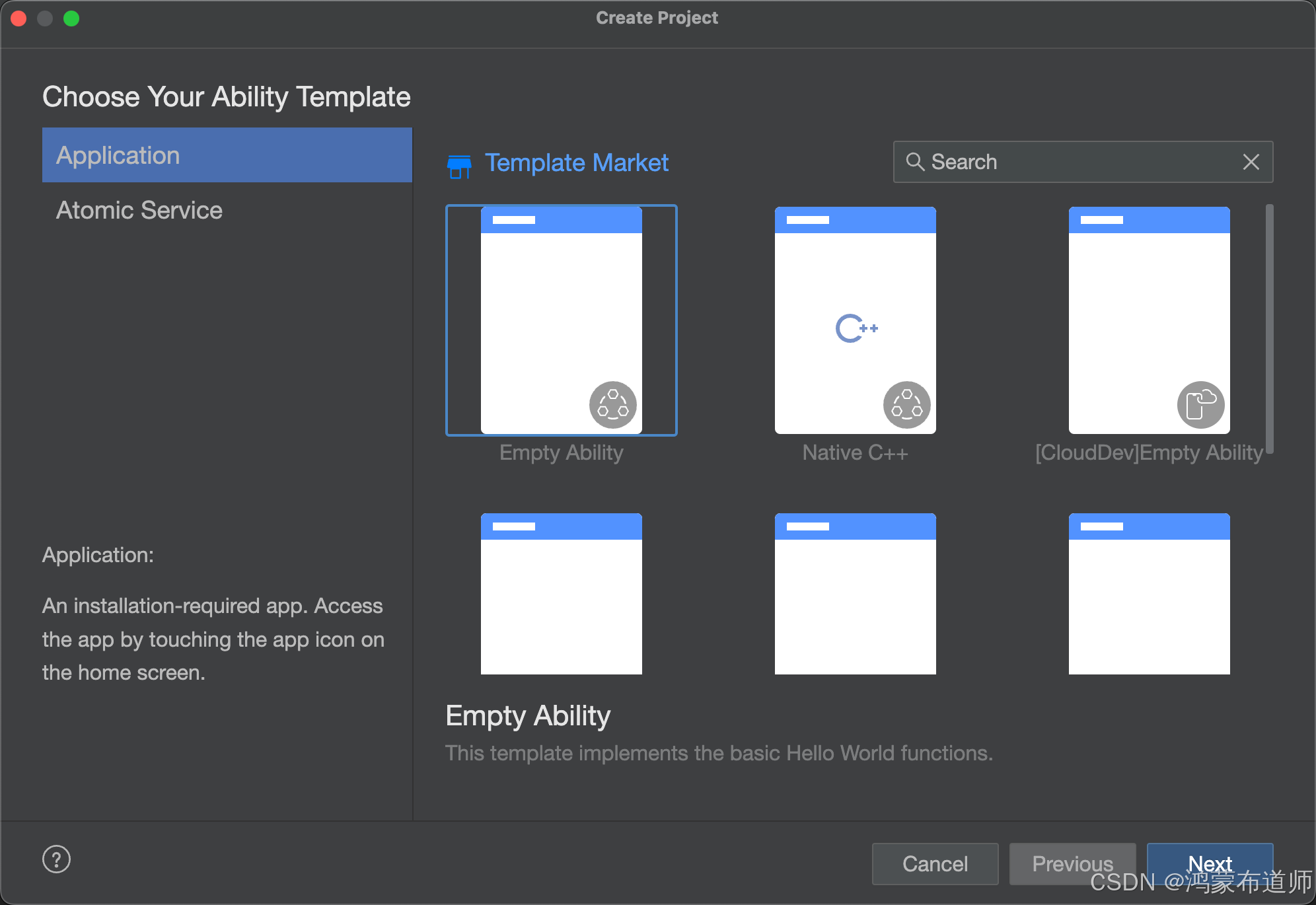
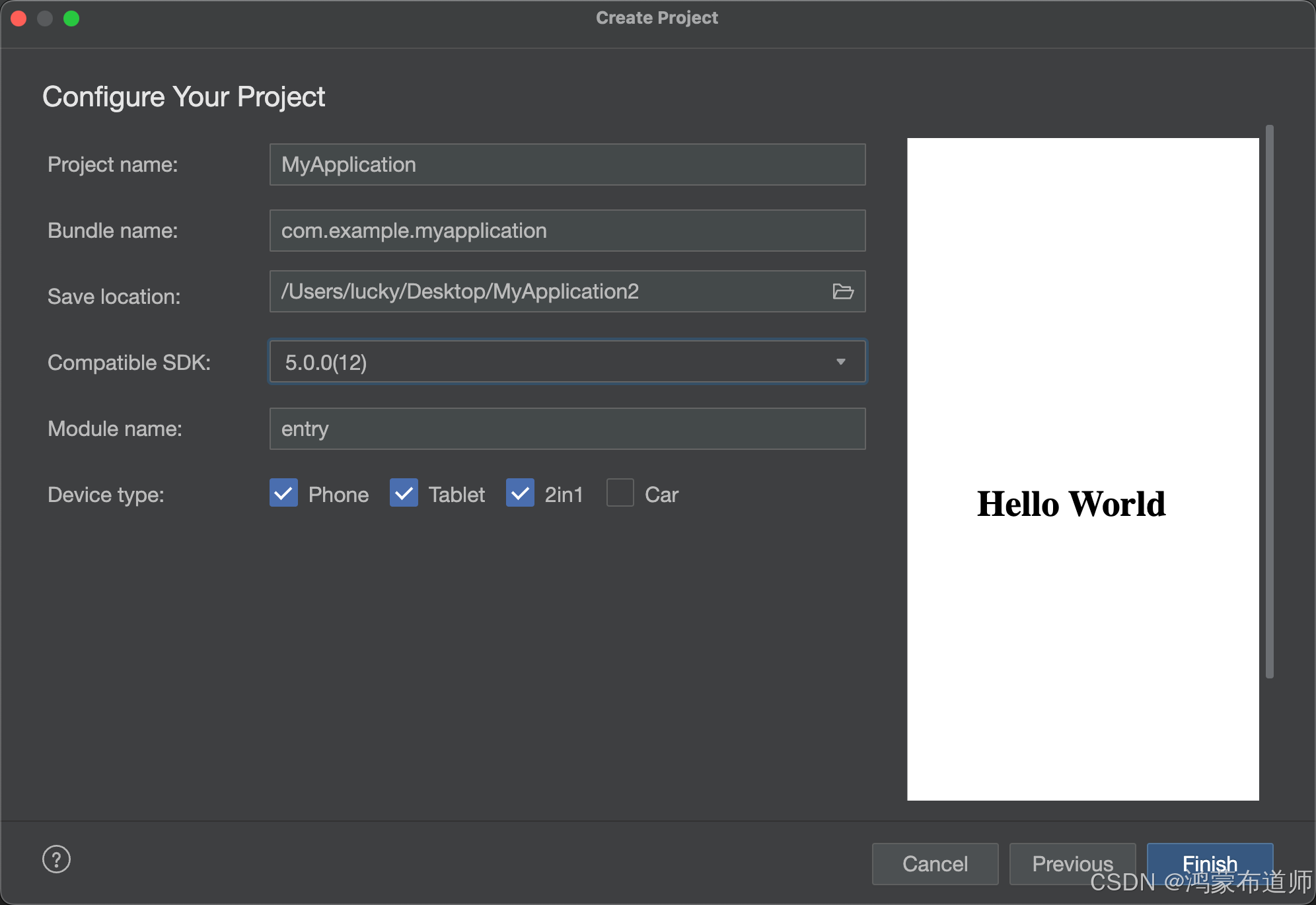
1.创建空白项目
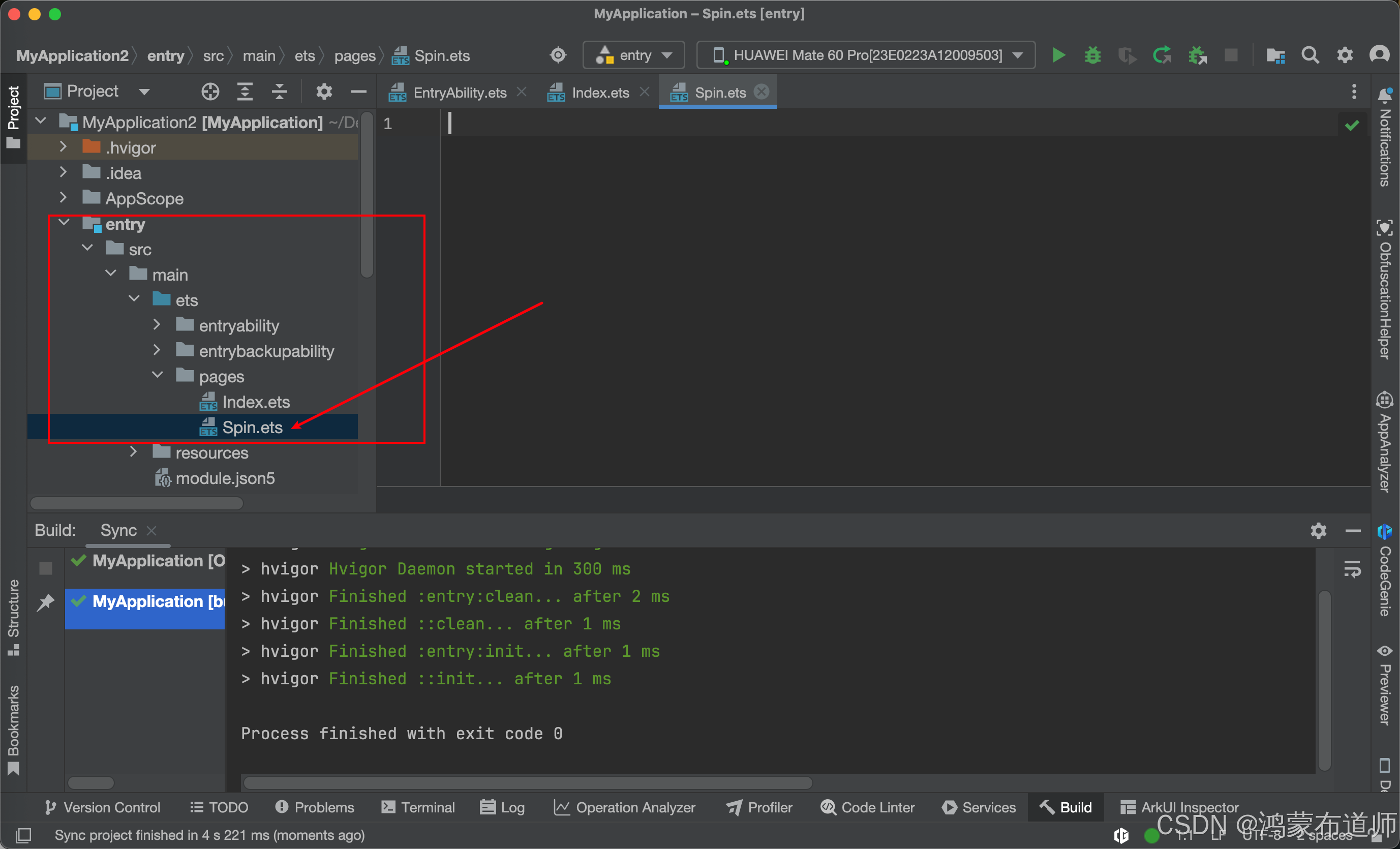
2.Page文件夹下面新建Spin.ets文件,代码如下:
interface TranslateOffset {x?:numbery?:number
}
/*** SpinKit动画组件 - SpinTen* author: CSDN-鸿蒙布道师* since: 2025/05/16*/
@ComponentV2
export struct SpinTen {@Require @Param spinSize: number = 36;@Require @Param spinColor: ResourceColor;@Local scaleSize: number = this.spinSize * 0.75;@Local tran1: number = 0;private oldSize: number = this.spinSize;aboutToAppear(): void {this.oldSize = this.spinSize;this.scaleSize = this.spinSize * 0.75;}build() {Stack() {Grid() {// 使用循环构建9个 GridItemForEach([0, 1, 2, 3, 4, 5, 6, 7, 8], (index: number) => {GridItem() {Canvas().chunkStyle()}.translate(this.getTranslateOffset(index))})}.rowsTemplate('1fr 1fr 1fr').columnsTemplate('1fr 1fr 1fr').width(this.scaleSize).height(this.scaleSize)}.width(this.oldSize).height(this.oldSize).alignContent(Alignment.Center).onAppear(() => {this.startAnimation();})}// 抽取 translate 偏移量计算逻辑getTranslateOffset(index: number): TranslateOffset {switch (index) {case 0: return { x: this.tran1 };case 1: return { x: this.tran1 };case 2: return { y: this.tran1 };case 3: return { y: -this.tran1 };case 4: return {}; // 中间项无偏移case 5: return { y: this.tran1 };case 6: return { y: -this.tran1 };case 7: return { x: -this.tran1 };case 8: return { x: -this.tran1 };default: return {};}}// 启动 Keyframe 动画startAnimation(): void {this.getUIContext().keyframeAnimateTo({ iterations: -1, delay: 0 }, [{duration: 500,curve: Curve.EaseInOut,event: () => {this.tran1 = 0;this.scaleSize = this.oldSize * 1.1;}},{duration: 190,curve: Curve.Linear,event: () => {this.tran1 = this.oldSize / 3;}},{duration: 0,curve: Curve.Linear,event: () => {this.tran1 = 0;}},{duration: 10,curve: Curve.Linear,event: () => {}},{duration: 500,curve: Curve.EaseIn,event: () => {this.scaleSize = this.oldSize * 0.75;this.tran1 = 0;}}]);}@StyleschunkStyle() {.width(this.oldSize * 0.25).height(this.oldSize * 0.25).backgroundColor(this.spinColor).shadow(ShadowStyle.OUTER_DEFAULT_XS)}
}
代码如下:
interface TranslateOffset {x?:numbery?:number
}
/*** SpinKit动画组件 - SpinTen* author: CSDN-鸿蒙布道师* since: 2025/05/16*/
@ComponentV2
export struct SpinTen {@Require @Param spinSize: number = 36;@Require @Param spinColor: ResourceColor;@Local scaleSize: number = this.spinSize * 0.75;@Local tran1: number = 0;private oldSize: number = this.spinSize;aboutToAppear(): void {this.oldSize = this.spinSize;this.scaleSize = this.spinSize * 0.75;}build() {Stack() {Grid() {// 使用循环构建9个 GridItemForEach([0, 1, 2, 3, 4, 5, 6, 7, 8], (index: number) => {GridItem() {Canvas().chunkStyle()}.translate(this.getTranslateOffset(index))})}.rowsTemplate('1fr 1fr 1fr').columnsTemplate('1fr 1fr 1fr').width(this.scaleSize).height(this.scaleSize)}.width(this.oldSize).height(this.oldSize).alignContent(Alignment.Center).onAppear(() => {this.startAnimation();})}// 抽取 translate 偏移量计算逻辑getTranslateOffset(index: number): TranslateOffset {switch (index) {case 0: return { x: this.tran1 };case 1: return { x: this.tran1 };case 2: return { y: this.tran1 };case 3: return { y: -this.tran1 };case 4: return {}; // 中间项无偏移case 5: return { y: this.tran1 };case 6: return { y: -this.tran1 };case 7: return { x: -this.tran1 };case 8: return { x: -this.tran1 };default: return {};}}// 启动 Keyframe 动画startAnimation(): void {this.getUIContext().keyframeAnimateTo({ iterations: -1, delay: 0 }, [{duration: 500,curve: Curve.EaseInOut,event: () => {this.tran1 = 0;this.scaleSize = this.oldSize * 1.1;}},{duration: 190,curve: Curve.Linear,event: () => {this.tran1 = this.oldSize / 3;}},{duration: 0,curve: Curve.Linear,event: () => {this.tran1 = 0;}},{duration: 10,curve: Curve.Linear,event: () => {}},{duration: 500,curve: Curve.EaseIn,event: () => {this.scaleSize = this.oldSize * 0.75;this.tran1 = 0;}}]);}@StyleschunkStyle() {.width(this.oldSize * 0.25).height(this.oldSize * 0.25).backgroundColor(this.spinColor).shadow(ShadowStyle.OUTER_DEFAULT_XS)}
}
3.修改Index.ets文件,代码如下:
import { SpinTen } from './Spin';@Entry
@Component
struct Index {@State message: string = 'Hello World';build() {Column() {SpinTen({spinSize: 60,spinColor: '#FF0000'})}.alignItems(HorizontalAlign.Center).justifyContent(FlexAlign.Center).height('100%').width('100%')}
}
代码如下:
import { SpinTen } from './Spin';@Entry
@Component
struct Index {@State message: string = 'Hello World';build() {Column() {SpinTen({spinSize: 60,spinColor: '#FF0000'})}.alignItems(HorizontalAlign.Center).justifyContent(FlexAlign.Center).height('100%').width('100%')}
}
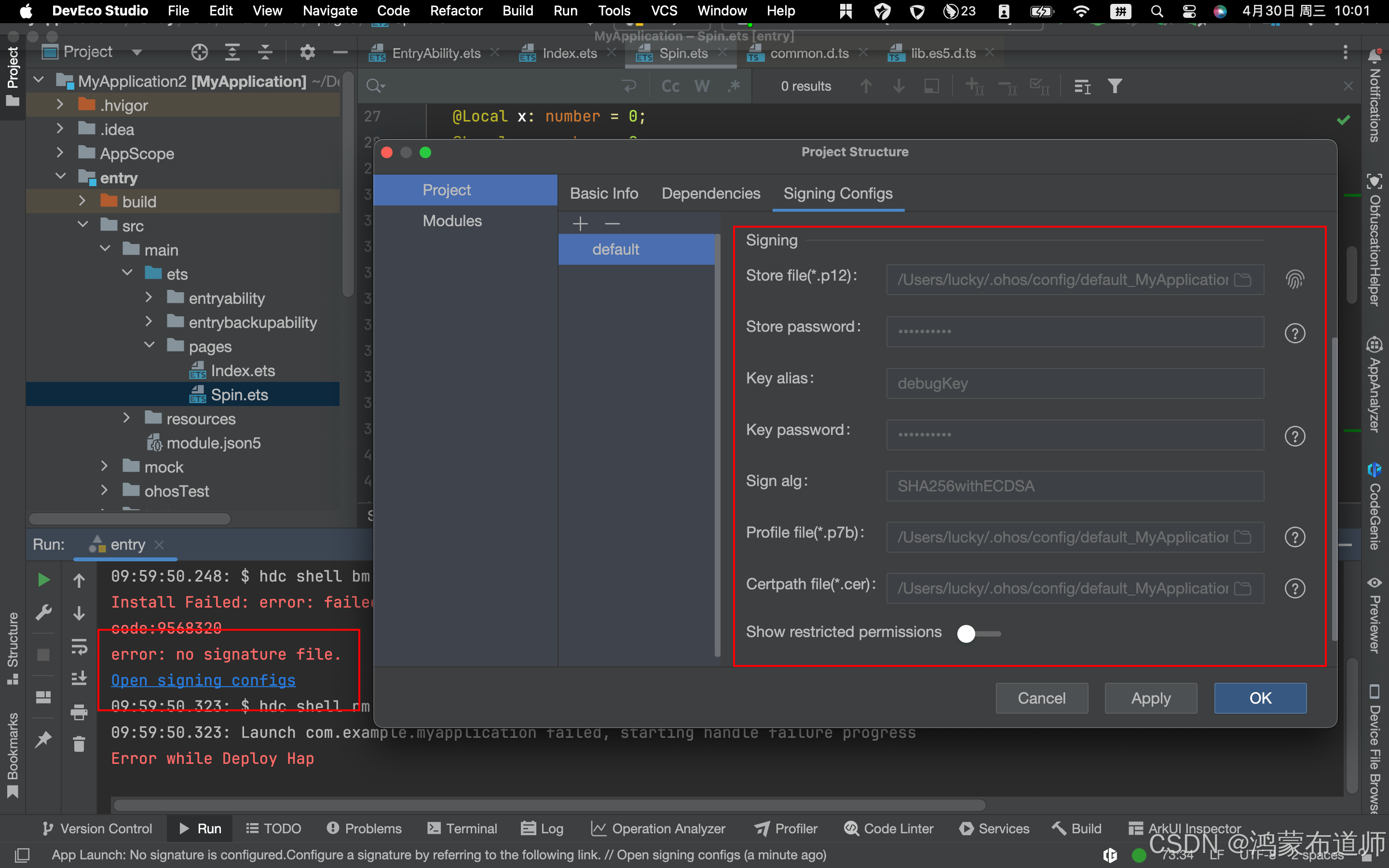
4.运行项目,登录华为账号,需进行签名
5.动画效果如下: