
题目安装部署Ubuntu22.04服务器
版本号: 1.0,0
作者: @老王要学习
日期: 2025.04.29
适用环境: Ubuntu22.04
文档说明
本文档聚焦 Ubuntu 22.04 服务器的安装部署,详细介绍了从虚拟机创建、系统安装、基础配置(如更新国内源、安装常用软件、修改静态 IP、设置 ssh 远程连接),到利用 Cobbler 进行自动化部署(包括系统镜像导入、自定义 kickstart 应答文件等操作)的全流程,为相关技术人员提供实操指南
环境准备
硬件要求
- 服务器: 2核CPU、2GB内存,20GB硬盘空间
- 网络: 确保服务器具有固定的IP地址,并且防火墙允许FTP端口(默认22端口)的通信
软件要求
- FTP软件:xshell6
- 操作系统:Ubuntu22.04
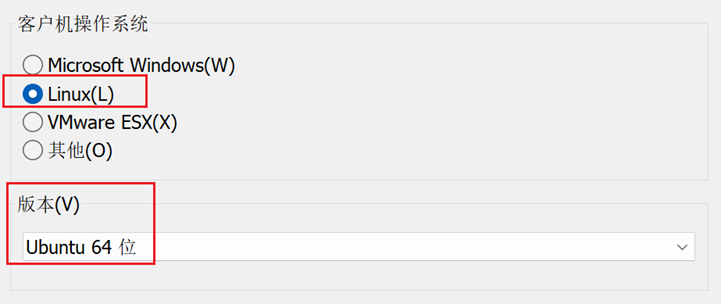
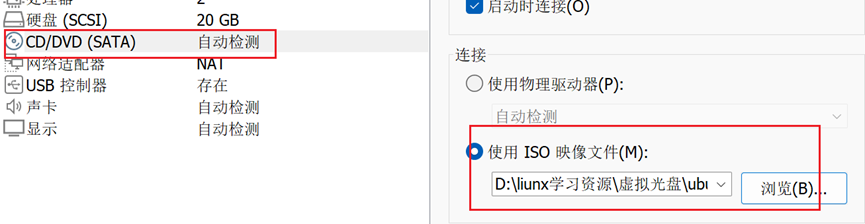
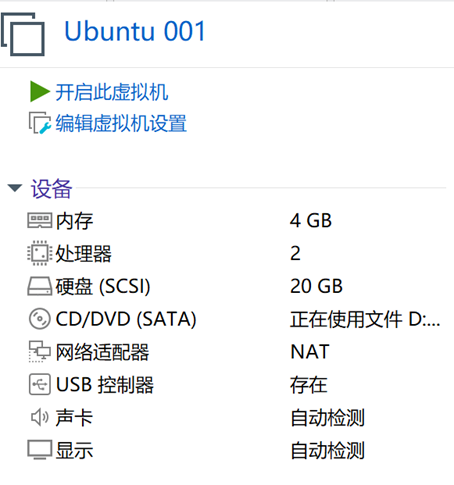
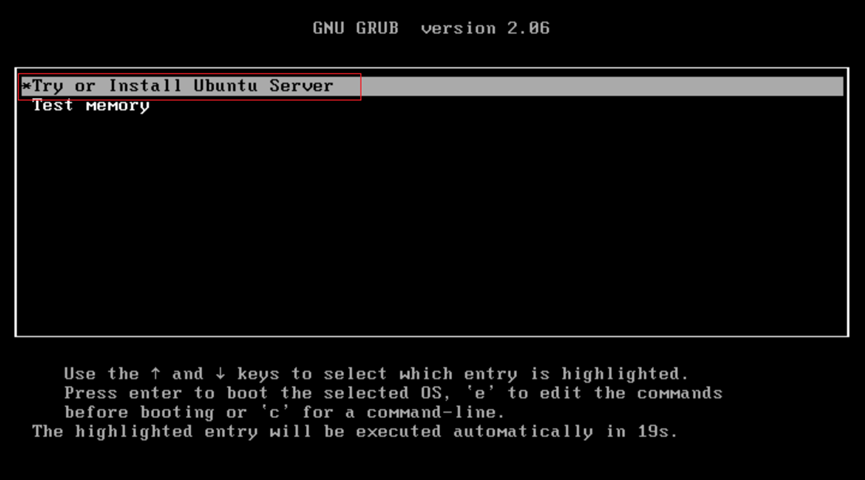
进入系统配置:
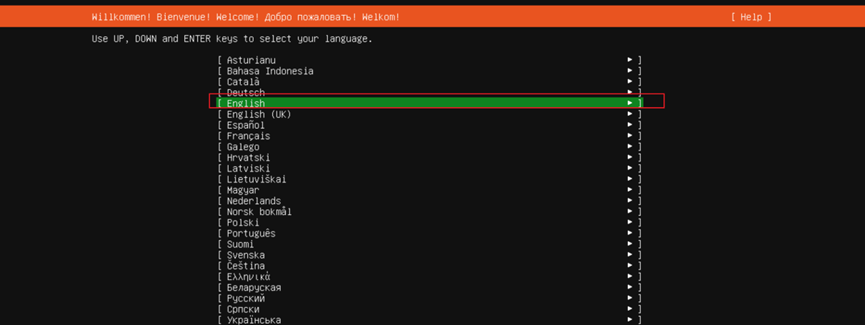
Try or Install Ubuntu Server
English
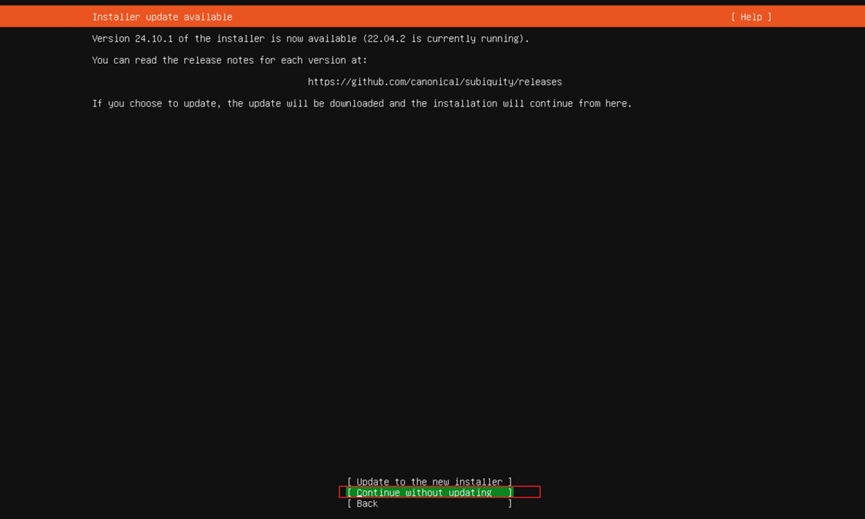
Continue without updating
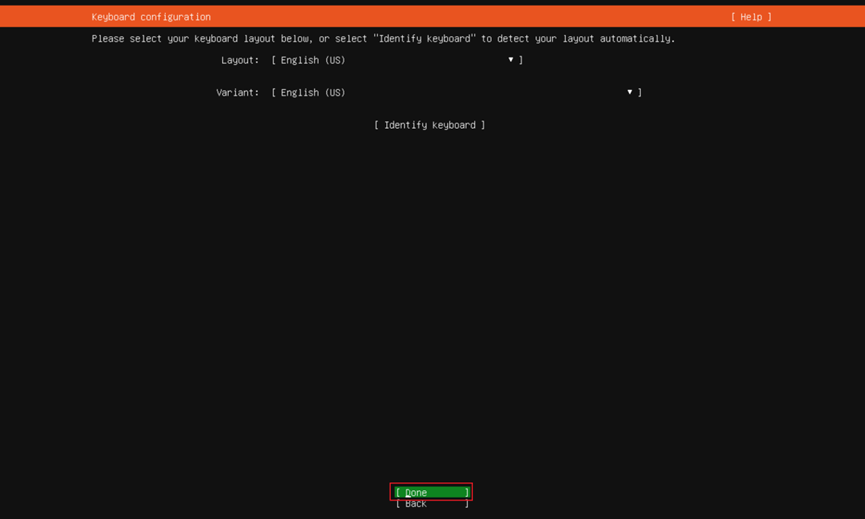
Done
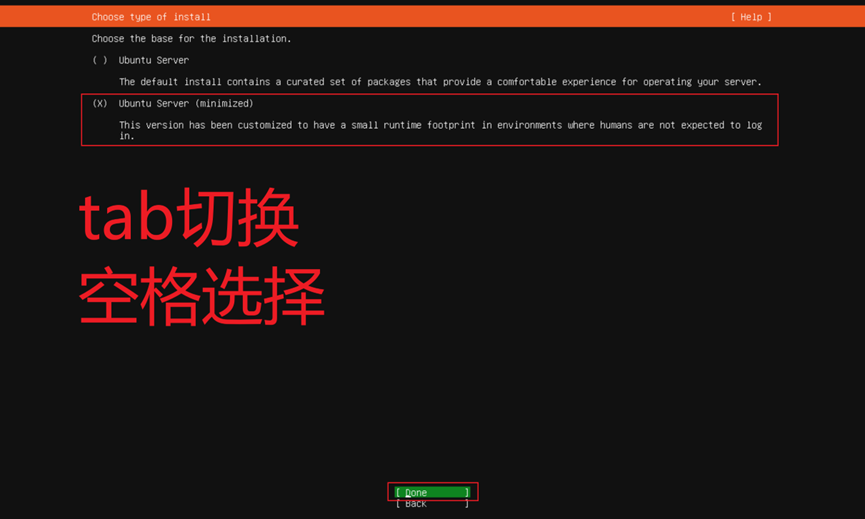
Ubuntu Server (minimized)、Done
Done
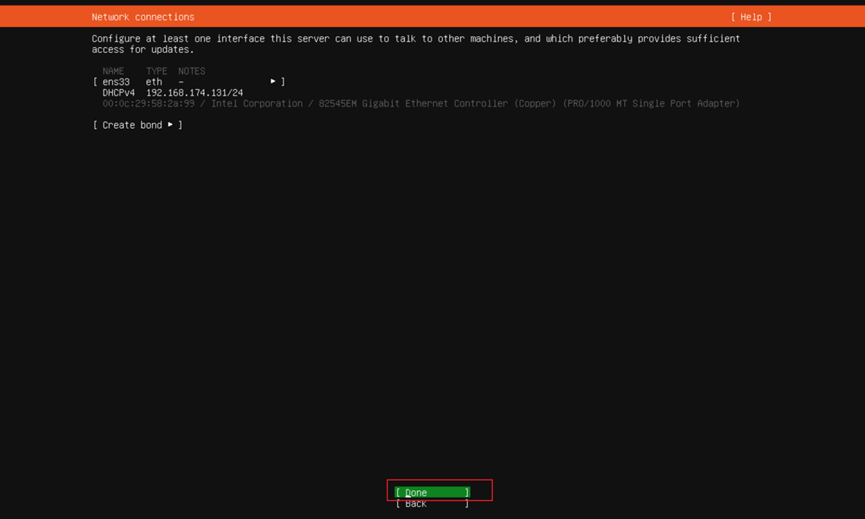
Done
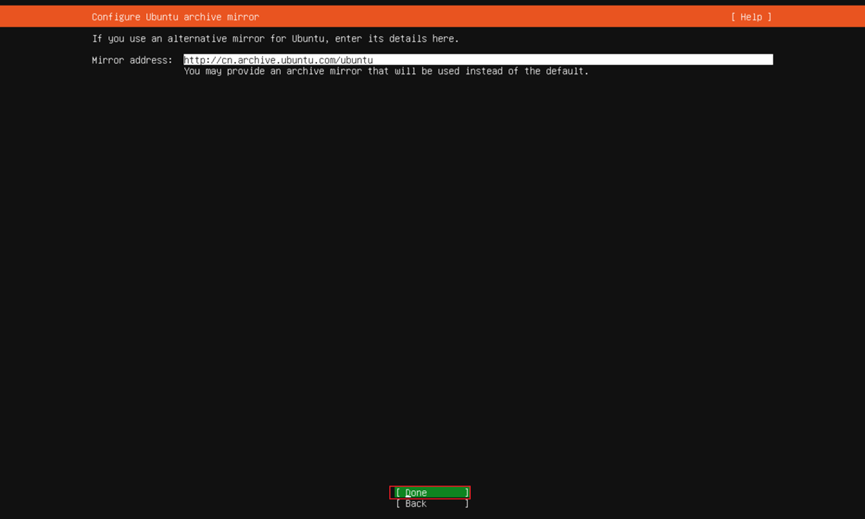
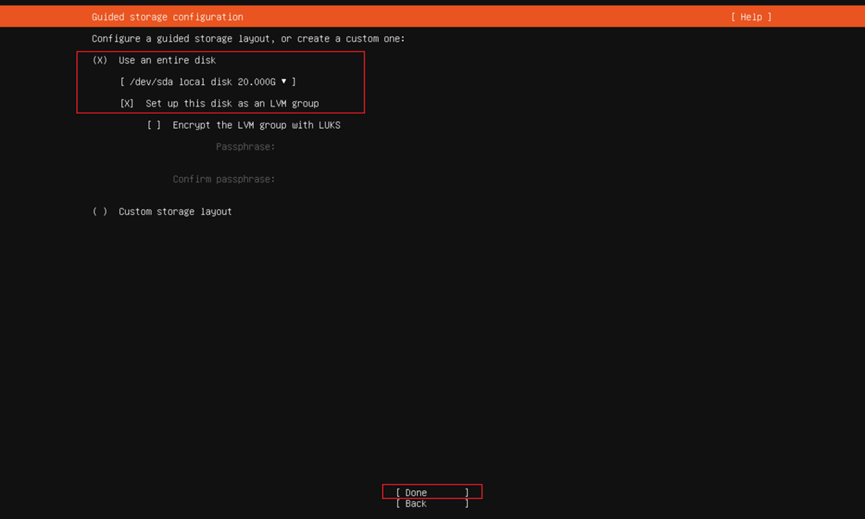
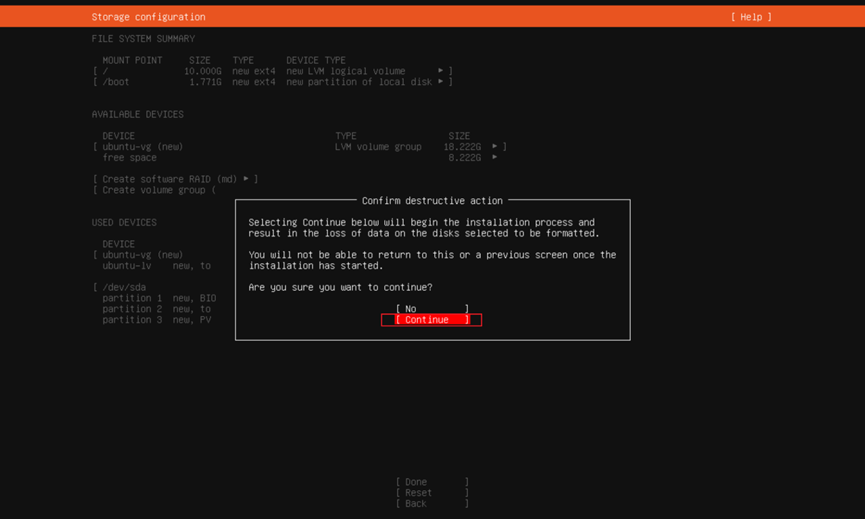
Use an entire disk、Set up this disk as an Lw group、Done
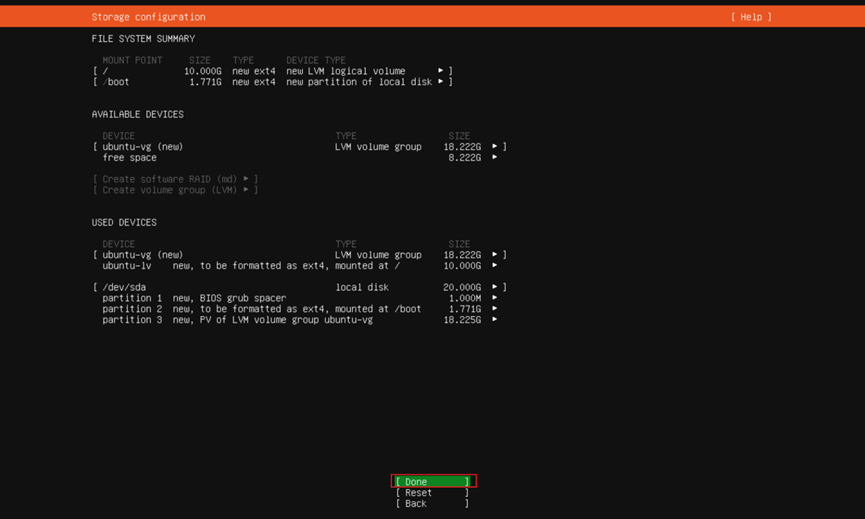
Done
Continue
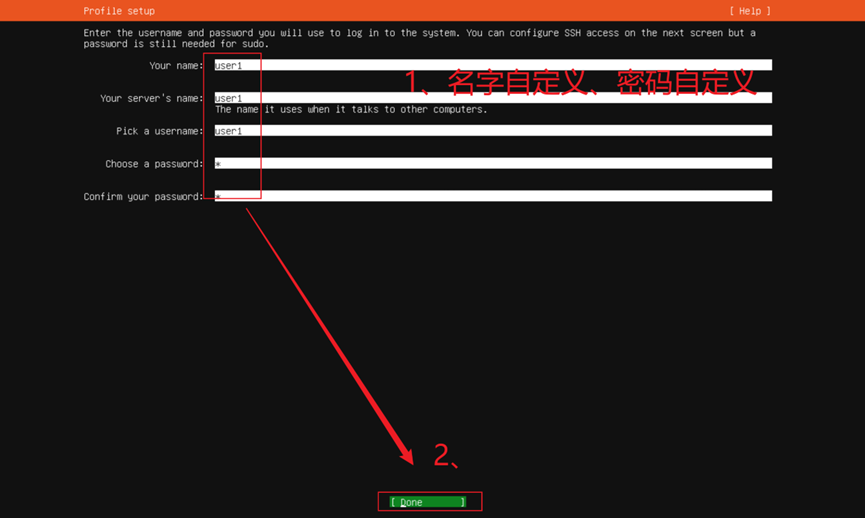
自定义名字密码、Done
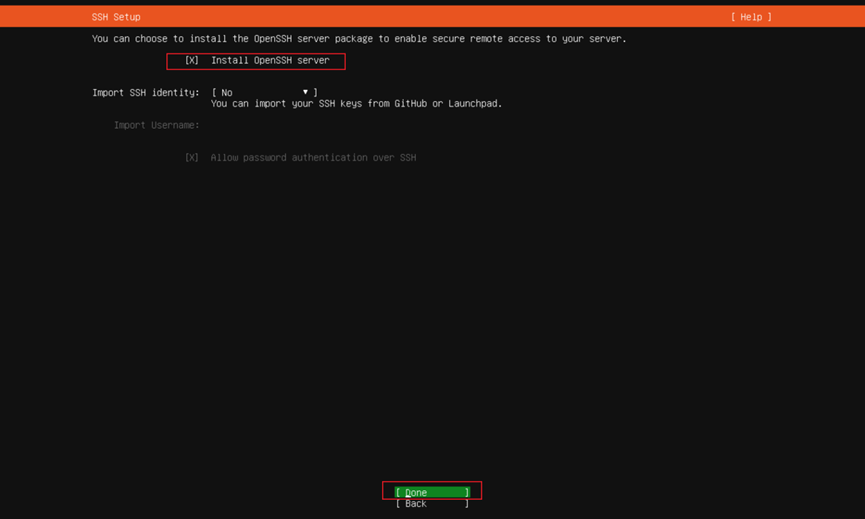
Install 0penSSH server、Done
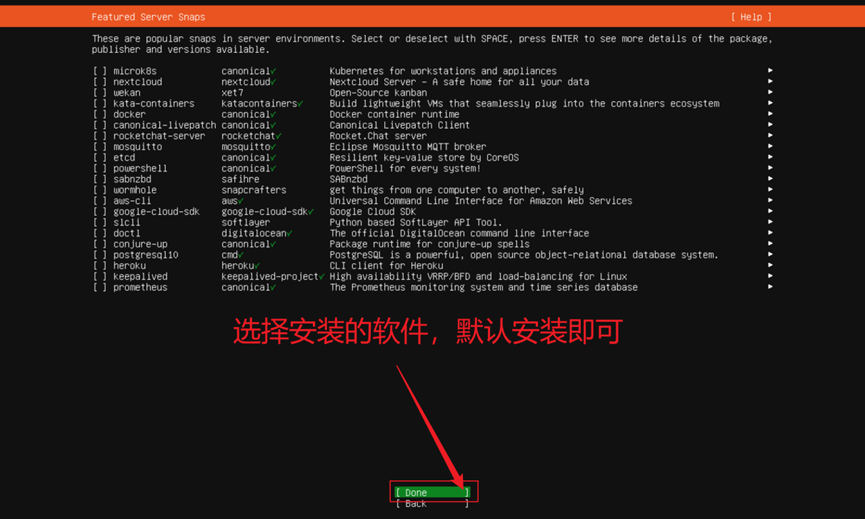
Done
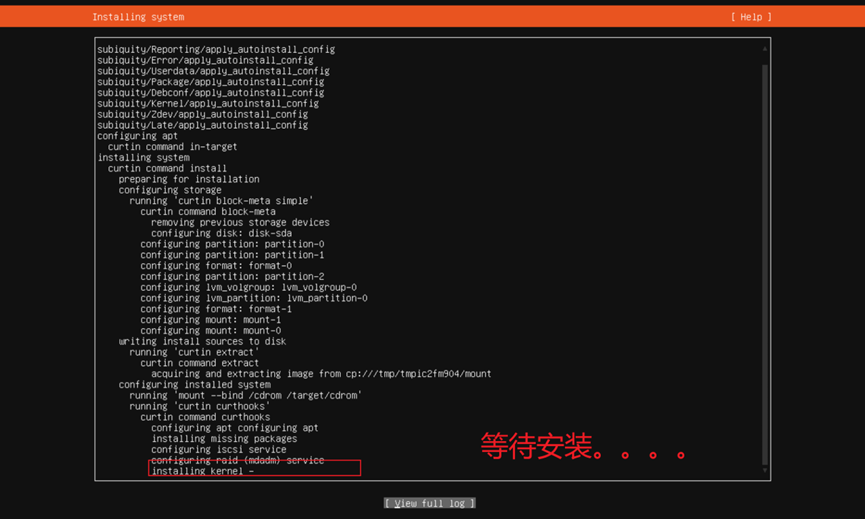
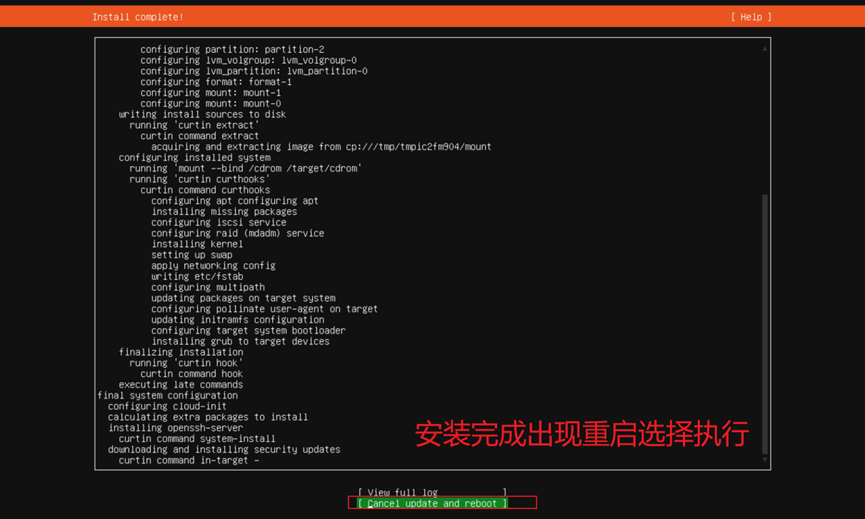
Cancel update and reboot
重启成功进行登录
user1
1

更新国内源
查看本机IP进行远程连接
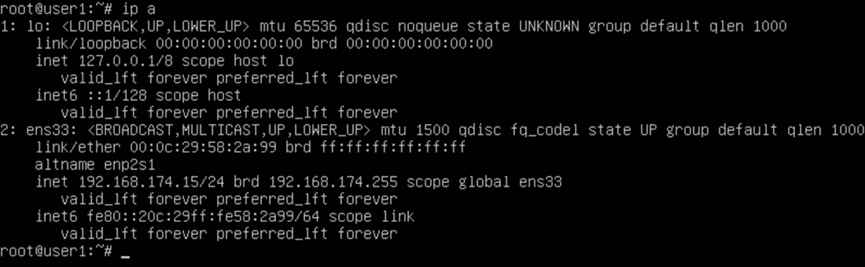
ip a
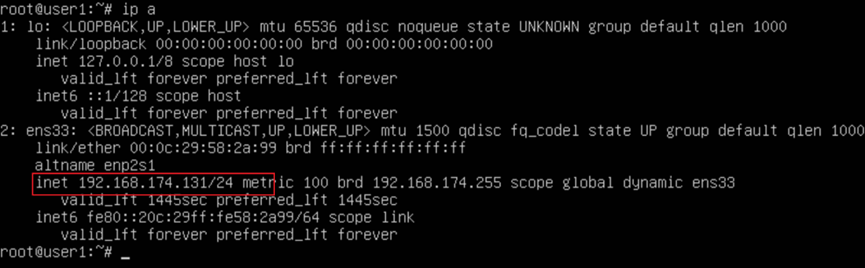
进入root用户:
sudo -i

进入/etc/apt/下备份source.list文件
cd /etc/apt/mv sources.list sources.bak
cat > sources.list <<EOFdeb https://mirrors.aliyun.com/ubuntu/ jammy main restricted universe multiversedeb-src https://mirrors.aliyun.com/ubuntu/ jammy main restricted universe multiversedeb https://mirrors.aliyun.com/ubuntu/ jammy-security main restricted universe multiversedeb-src https://mirrors.aliyun.com/ubuntu/ jammy-security main restricted universe multiversedeb https://mirrors.aliyun.com/ubuntu/ jammy-updates main restricted universe multiversedeb-src https://mirrors.aliyun.com/ubuntu/ jammy-updates main restricted universe multiversedeb https://mirrors.aliyun.com/ubuntu/ jammy-backports main restricted universe multiversedeb-src https://mirrors.aliyun.com/ubuntu/ jammy-backports main restricted universe multiverseEOF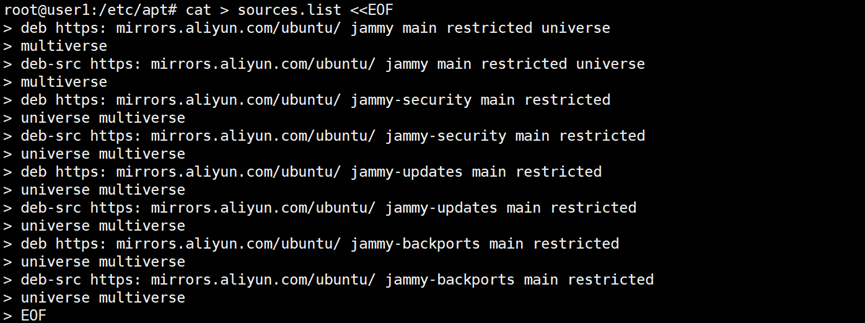
更新软件包列表
apt update
升级已安装的软件包
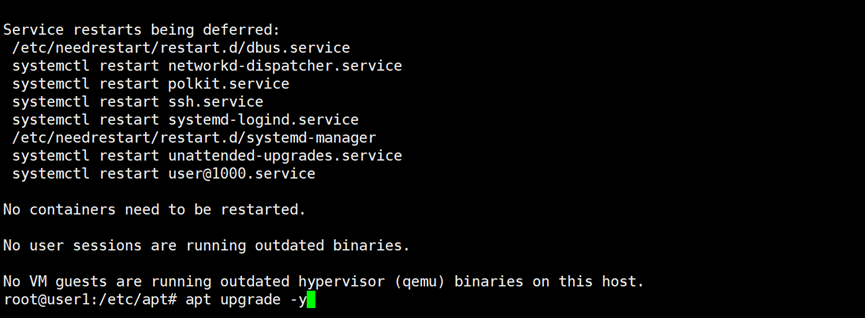
apt upgrade -y

安装常用软件
curl、wget、net-tools
apt install curl wget net-tools
iputils-ping sysstat dstat zip unzip gzip vim
apt install iputils-ping sysstat dstat zip unzip gzip vim
vim bash-completion
apt install vim bash-completion
build-essential
apt install build-essential
autoremove
apt autoremove

clean
apt clean
修改静态IP地址
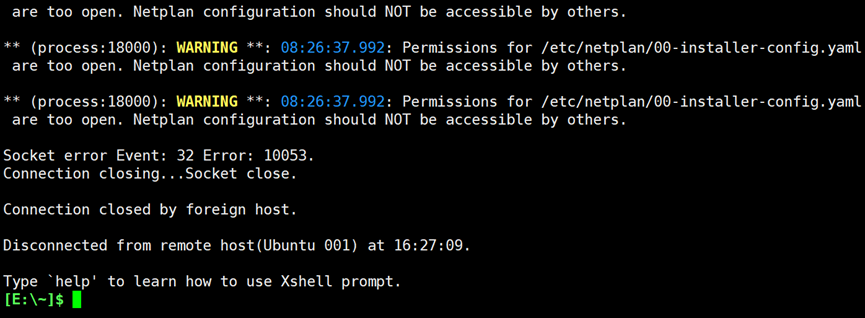
vim /etc/netplan/00-installer-config.yaml# This is the network config written by 'subiquity'network:ethernets:ens33:dhcp4: falseaddresses: [192.168.174.15/24]routes:- to: defaultvia: 192.168.174.2nameservers:addresses: [223.5.5.5,223.6.6.6]version: 2地址⽣效:
netplan apply
验证:ip a
设置ssh远程连接
sudo -ivim /etc/ssh/sshd_configPermitRootLogin yesPasswordAuthentication yesUseDNS no


systemctl restart sshd


)


