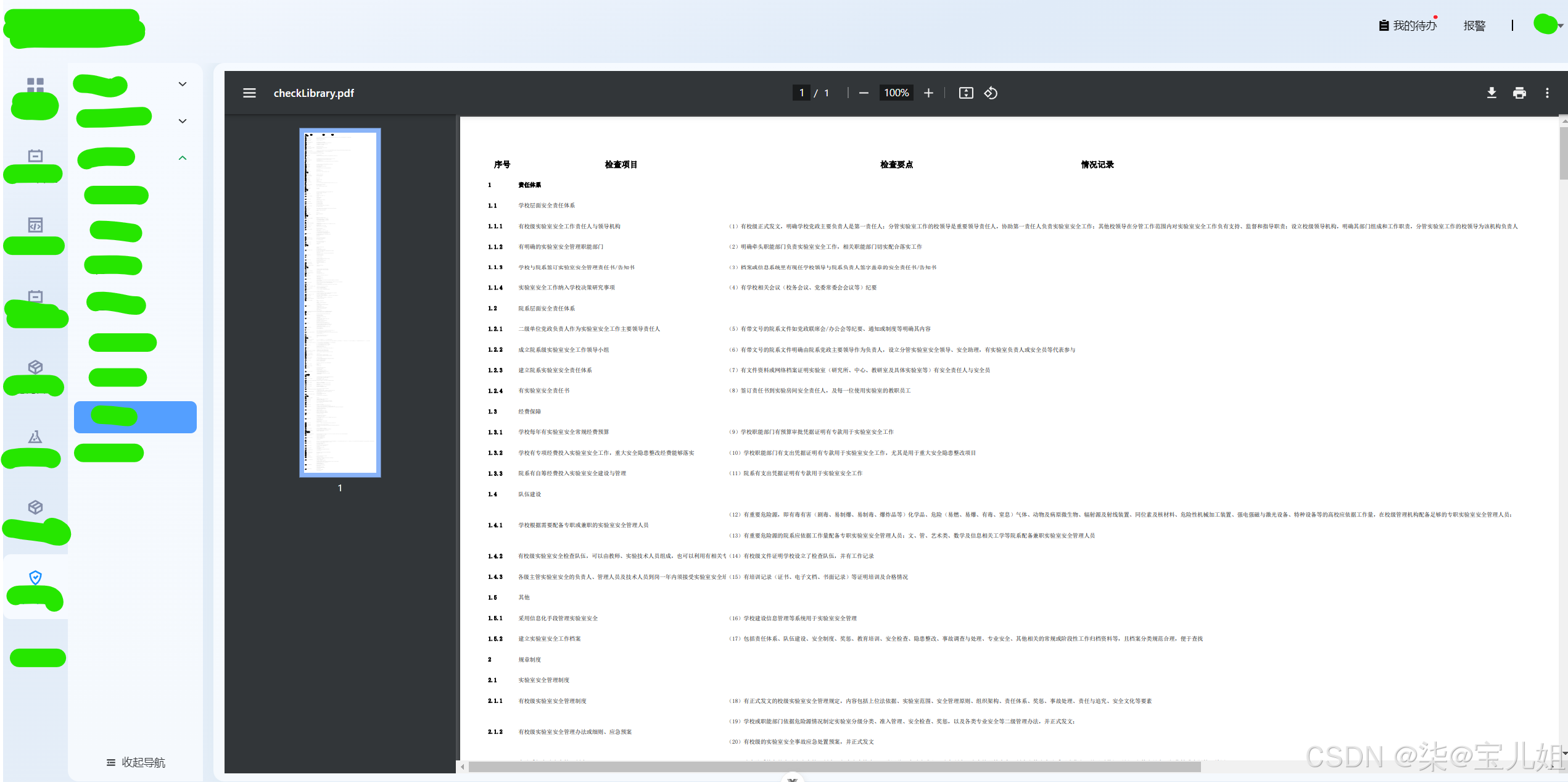
vue展示PDF文件的几种方法
使用Vue插件
你需要安装vue-pdf-embed:
npm install vue-pdf-embed
<template><div class="pdf-container"><VuePdfEmbed :src="pdfUrl" /></div>
</template><script setup lang="ts">
import VuePdfEmbed from 'vue-pdf-embed';
import { ref } from 'vue';const pdfUrl = ref('https://xxxx.pdf');
</script><style scoped>
.pdf-container {width: 100%;height: 800px; /* 根据需要调整高度 */
}
</style>```#### 使用<embed>标签```javascript
<template><div class="pdf-container"><embed :src="pdfUrl" type="application/pdf" width="100%" height="800px" /></div>
</template><script setup lang="ts">
import { ref } from 'vue';const pdfUrl = ref('https://xxxx.pdf');
</script><style scoped>
.pdf-container {width: 100%;height: 800px;
}
</style>
使用iframe
<template><div class="pdf-container"><iframe :src="pdfUrl" width="100%" height="800px"></iframe></div>
</template><script setup lang="ts">
import { ref } from 'vue';const pdfUrl = ref('https://xxxx.pdf');
</script><style scoped>
.pdf-container {width: 100%;height: 800px;
}
</style>
实现效果: