前提当然是要先安装好Isaac Sim。
1.用Anaconda创建python 3.10的环境,然后,激活环境
conda activate python310_env
2.我是安装在主目录下
git clone https://github.com/isaac-sim/IsaacLab.git
3.切换到IsaacLab目录,运行
./isaaclab.sh --install
我安装过程中报错,不知道有多大影响:
ERROR: pip's dependency resolver does not currently take into account all the packages that are installed. This behaviour is the source of the following dependency conflicts.
stable-baselines3 2.4.0 requires gymnasium<1.1.0,>=0.29.1, but you have gymnasium 0.29.0 which is incompatible.
ERROR: pip's dependency resolver does not currently take into account all the packages that are installed. This behaviour is the source of the following dependency conflicts.
omni-isaac-lab 0.27.15 requires gymnasium==0.29.0, but you have gymnasium 1.0.0 which is incompatible.
4.安装完成后,要在已安装的Isaac Sim根目录和Isaac Lab目录的 _isaac_sim 之间建立符号链接。这样做方便了索引Python模块并查找与Isaac Sim一起提供的扩展
ln -s /home/robot/.local/share/ov/pkg/isaac-sim-4.2.0 _isaac_sim
5.安装完成,要source一下
source /home/robot/.local/share/ov/pkg/isaac-sim-4.2.0/setup_conda_env.sh
不然会报如下错误
ModuleNotFoundError: No module named 'omni.isaac.kit'
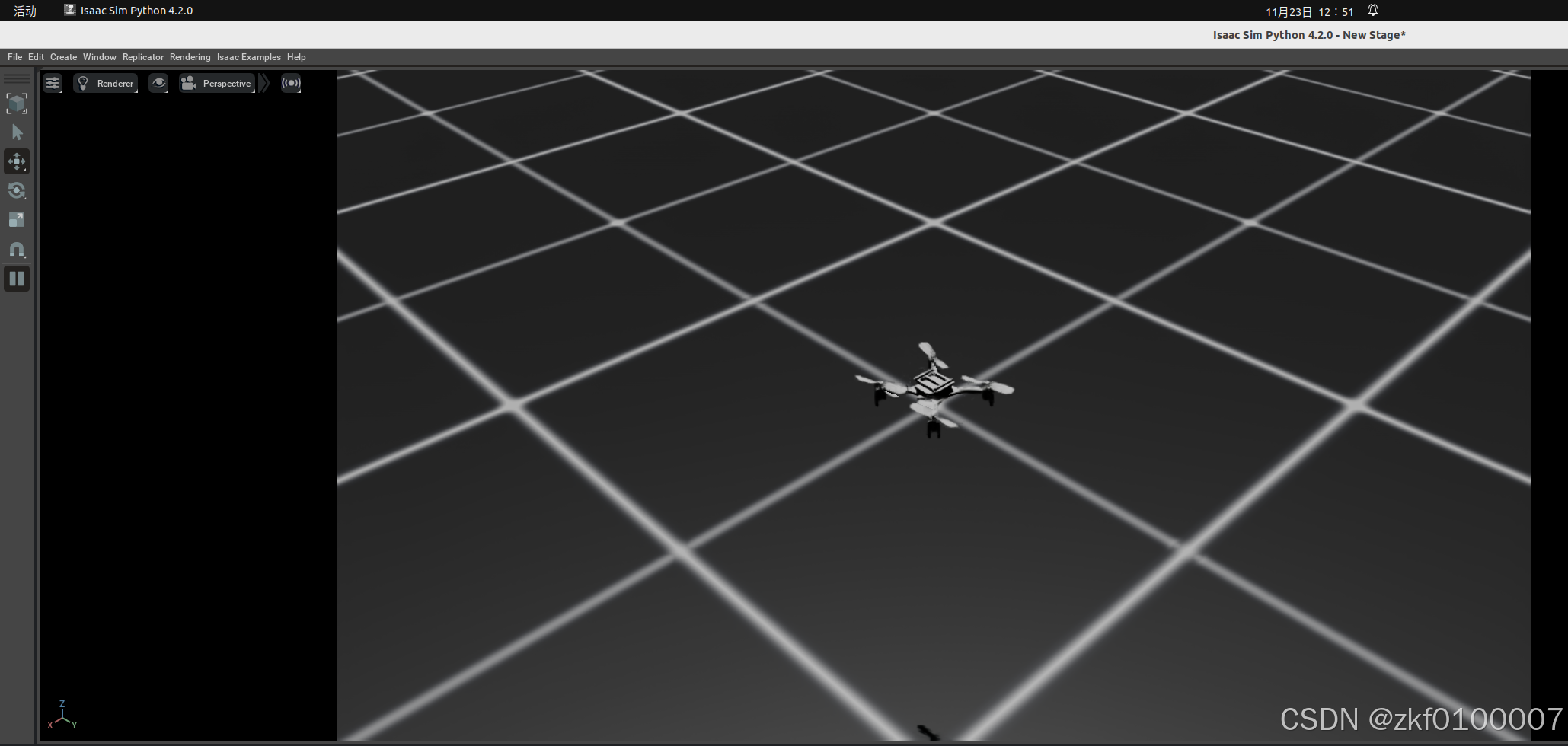
6.运行如下代码,即可打开无人机例程
./isaaclab.sh -p source/standalone/demos/quadcopter.py